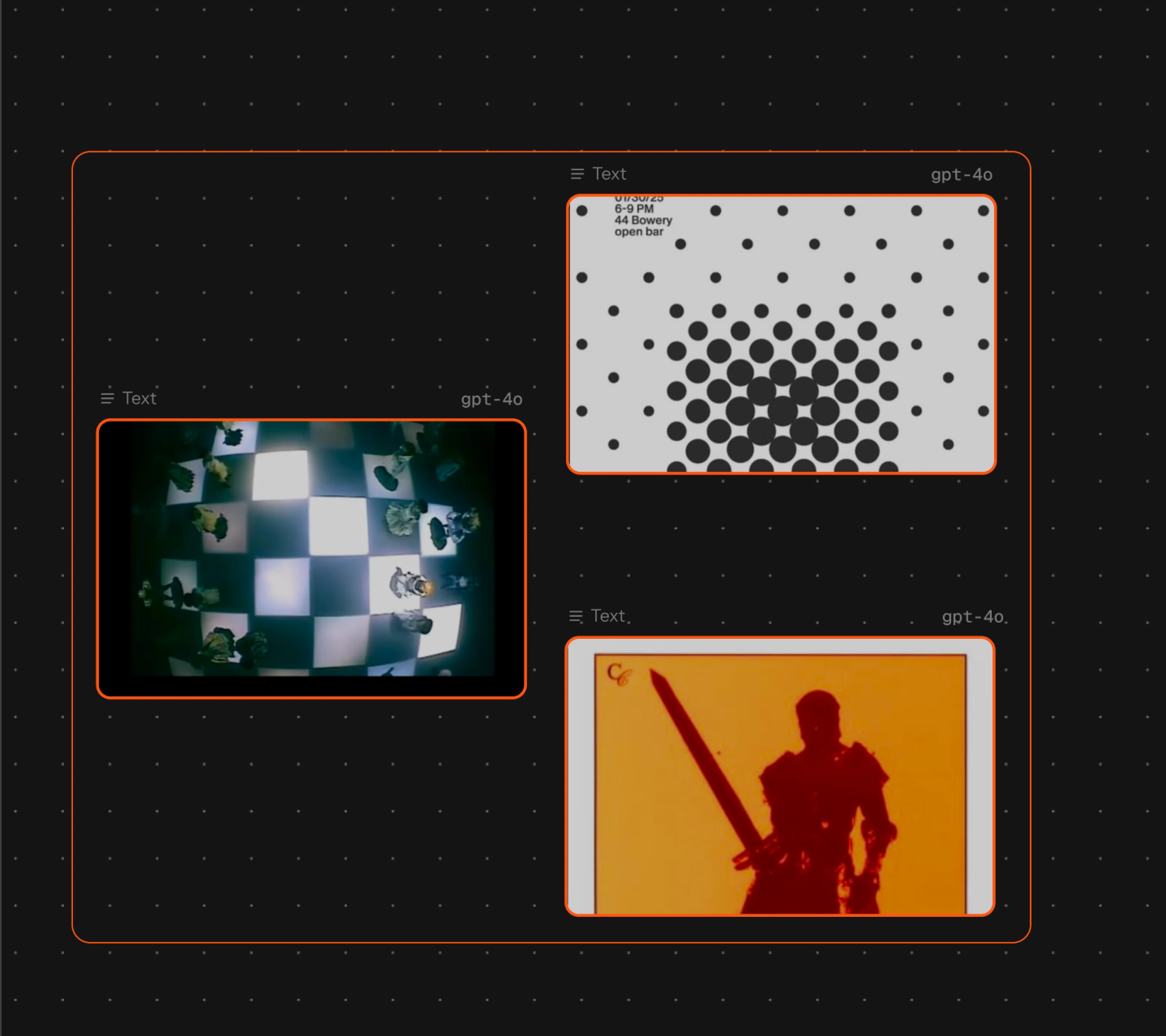
A Melius canvas with four generation nodes wired into a group
Feature

Canvas

One infinite surface for the whole process. Drop a node, pick any image, video, or audio model, and wire outputs into the next prompt until the work lands exactly as you imagined.

Open canvas

Features

A canvas image with three teammates' live cursors labelled with their names

Built for teams

Cursors, edits, and generations sync live for everyone in the workspace
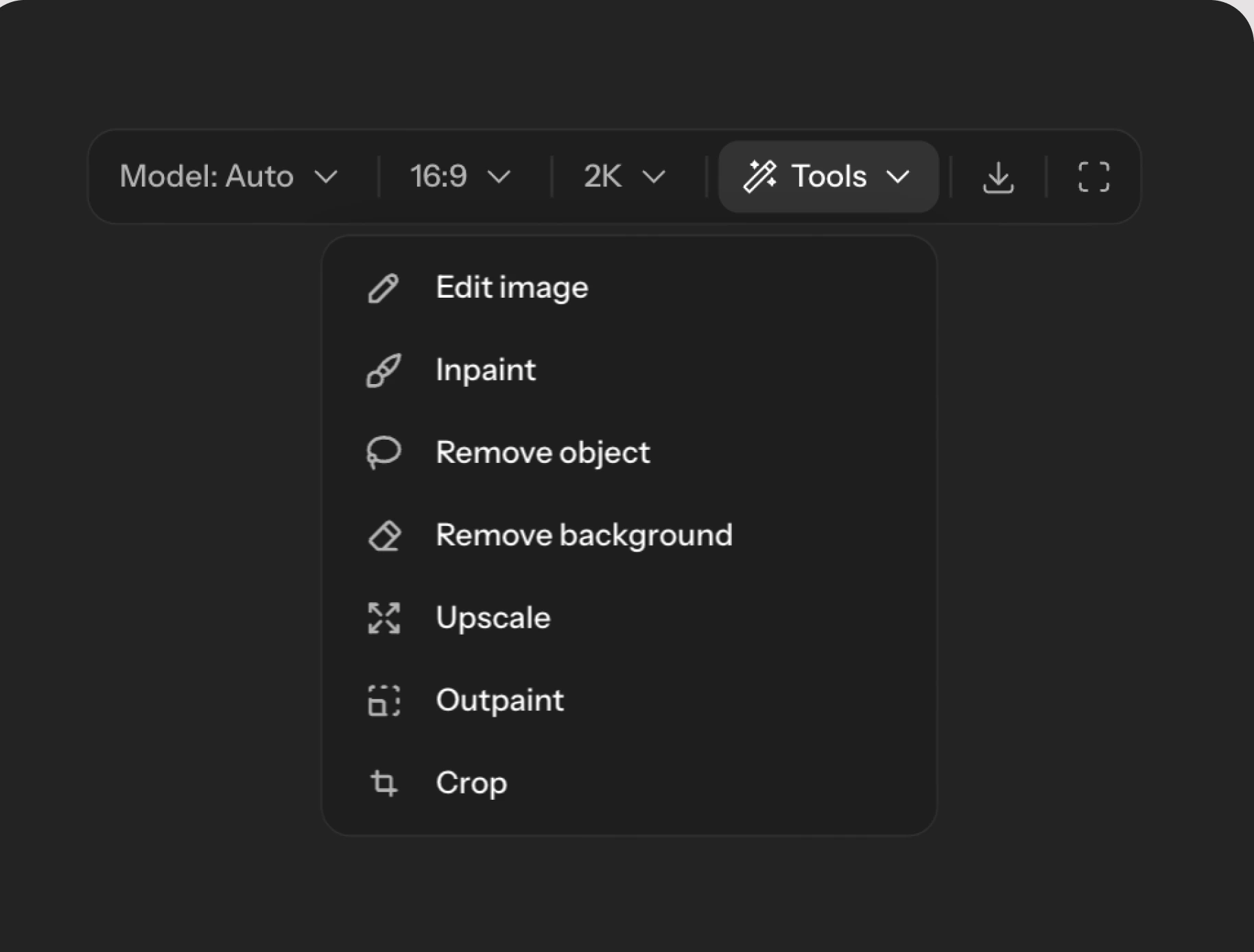
A node toolbar with the tools menu open on edit image, inpaint, remove object, remove background, upscale, outpaint, and crop

Tools built in

Edit, inpaint, upscale, crop, and resize without leaving the canvas
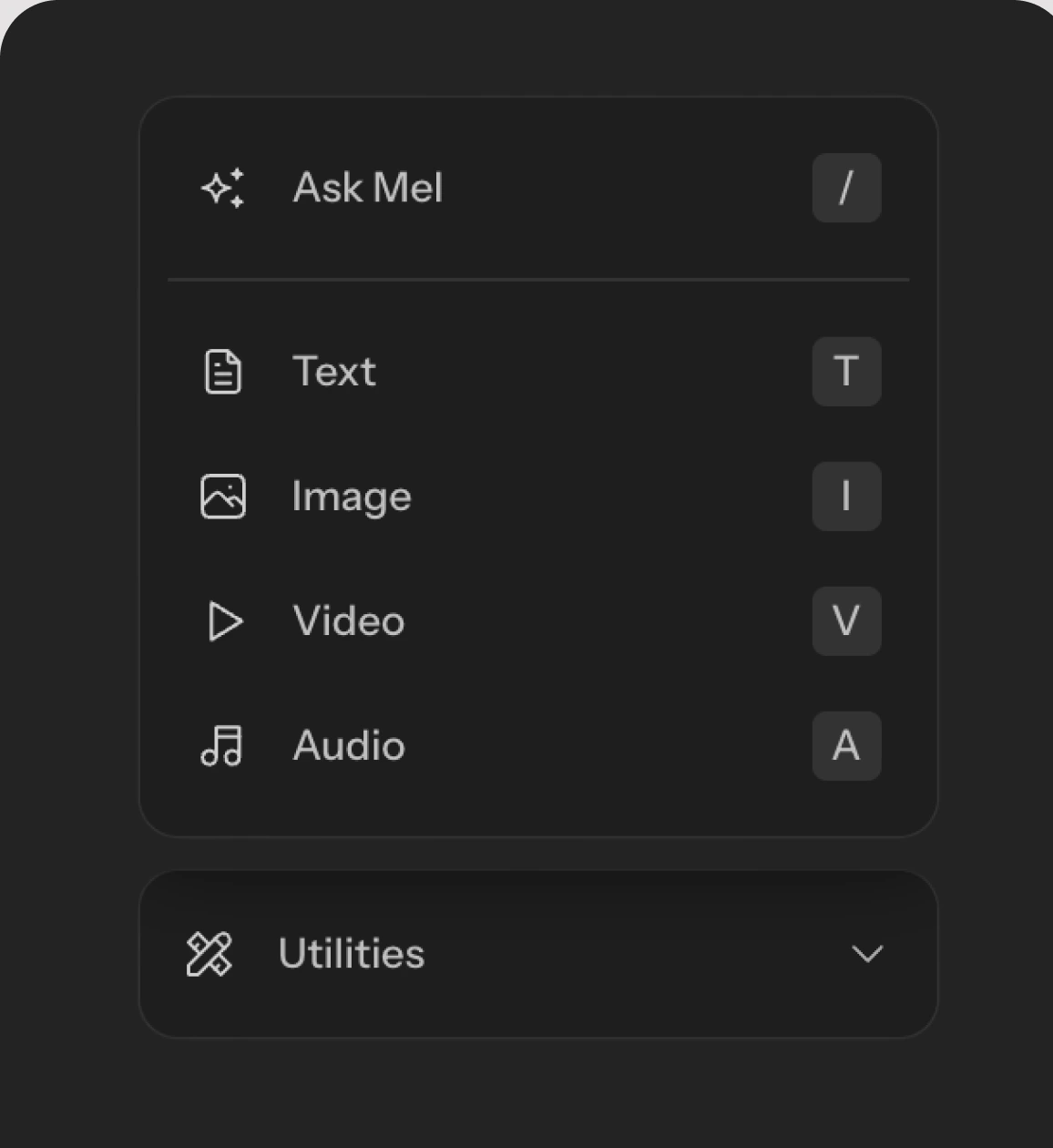
The add-node menu listing Ask Mel, text, image, video, and audio nodes

Every node type

Text, image, video, and audio, each running the model you choose
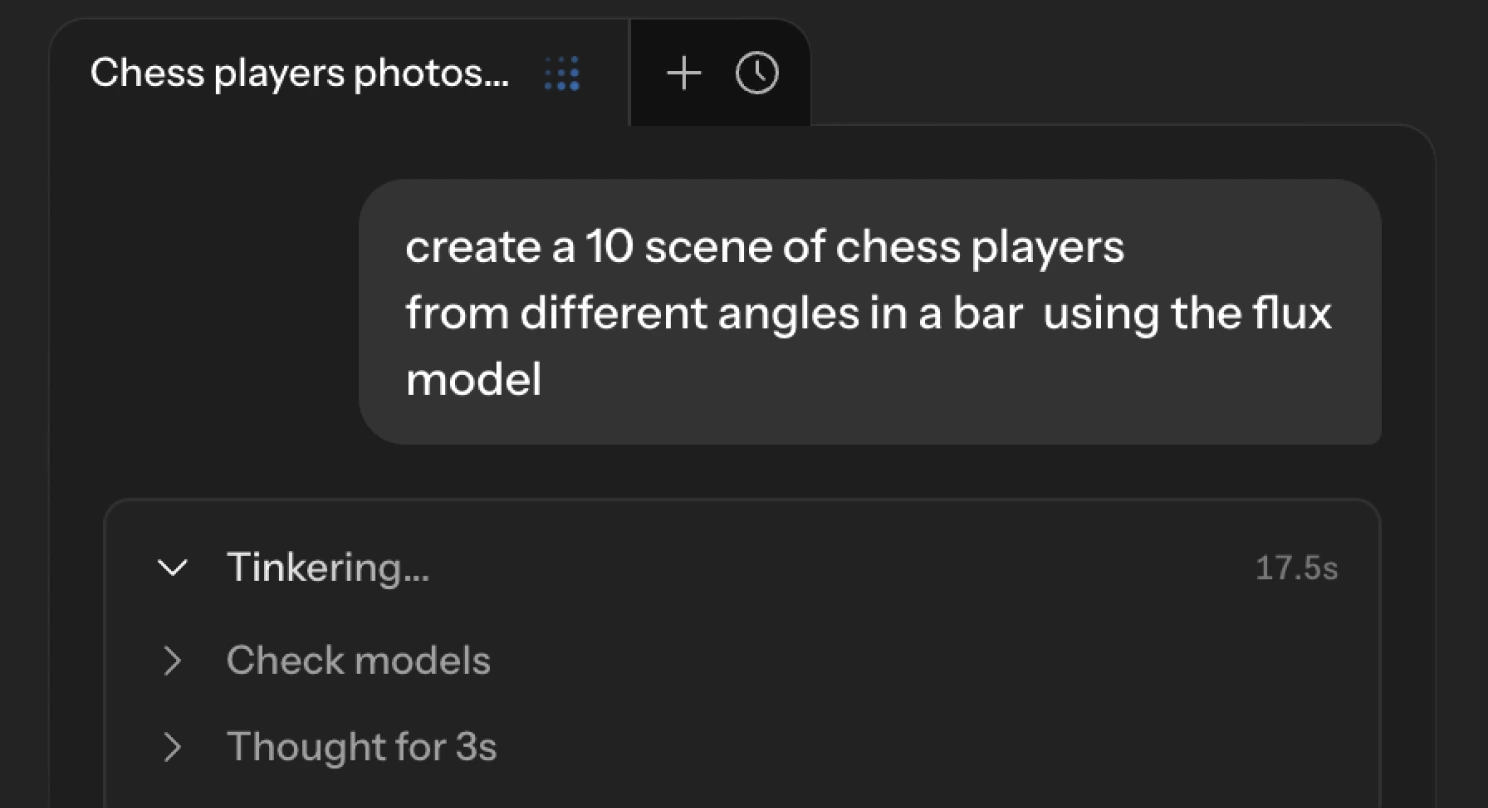
The Mel agent panel working through a prompt asking for a scene of chess players

Ask Mel

Describe what you want. Mel picks the models and builds the nodes.
Frequently asked questions

What is a node-based canvas?
Every step of the work is a node with its own prompt, model, settings, and version history. Edges pass the output of one node into the input of the next, so a single generation becomes a pipeline you can rewire, branch, and reuse.
Which models can I use on the canvas?
Image, video, audio, and text models from every major provider, under one subscription — GPT Image, Nano Banana, Flux, Seedream, Ideogram, Veo, Kling, Seedance, ElevenLabs, and more. You pick the model per node, or let Mel choose.
Can my team work in the same canvas at once?
Every canvas is multiplayer by default. Cursors, edits, runs, comments, and sticky notes sync live, and AI agents appear as participants with a highlighted working area.