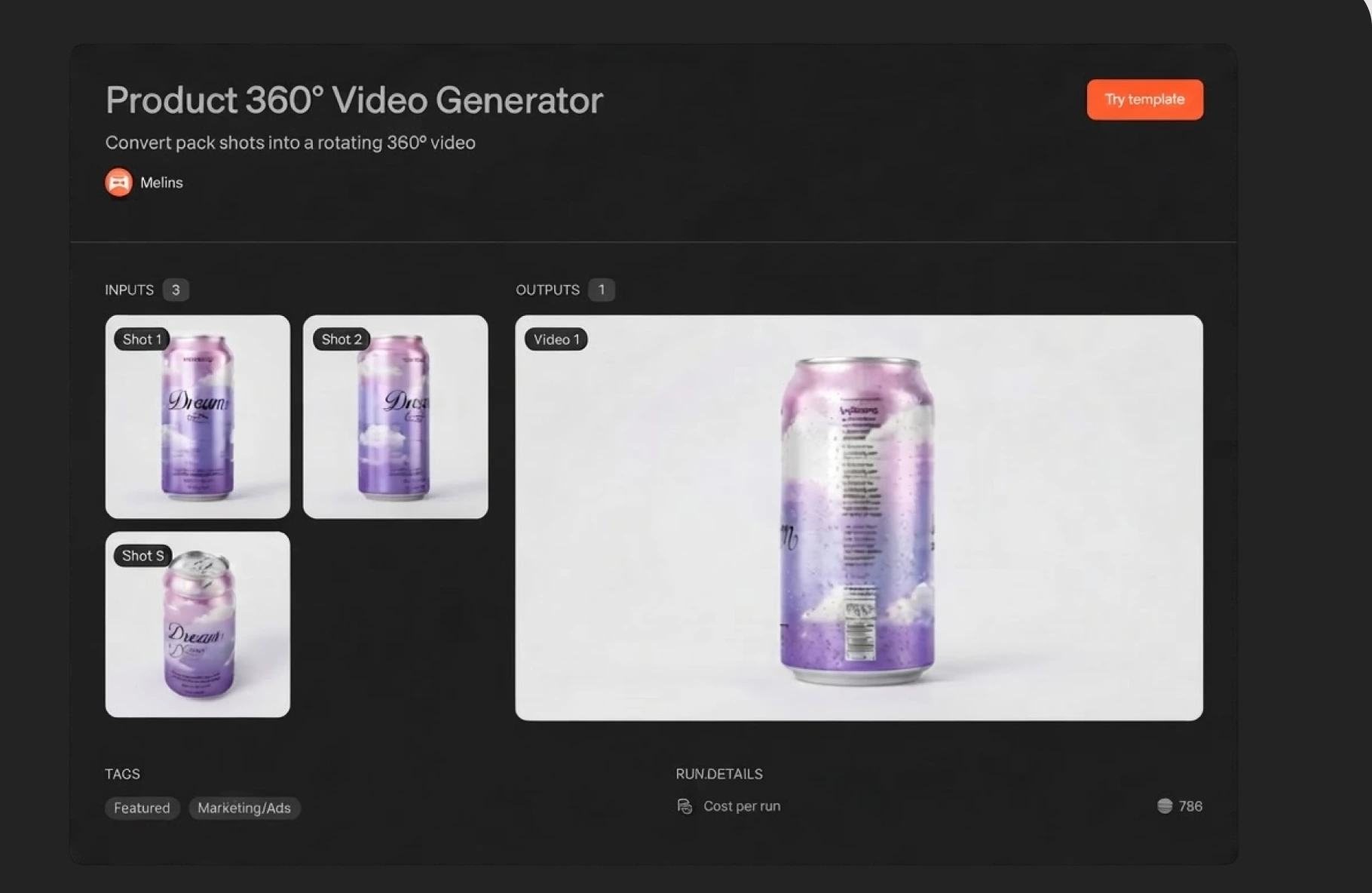
The Melius template library, with featured and lifestyle template rows
Feature

Templates

Skip the blank canvas. Open a template, upload your inputs, and generate. A full multi-step workflow, already built and tuned, runs on your images in a single pass.

Open templates

Features

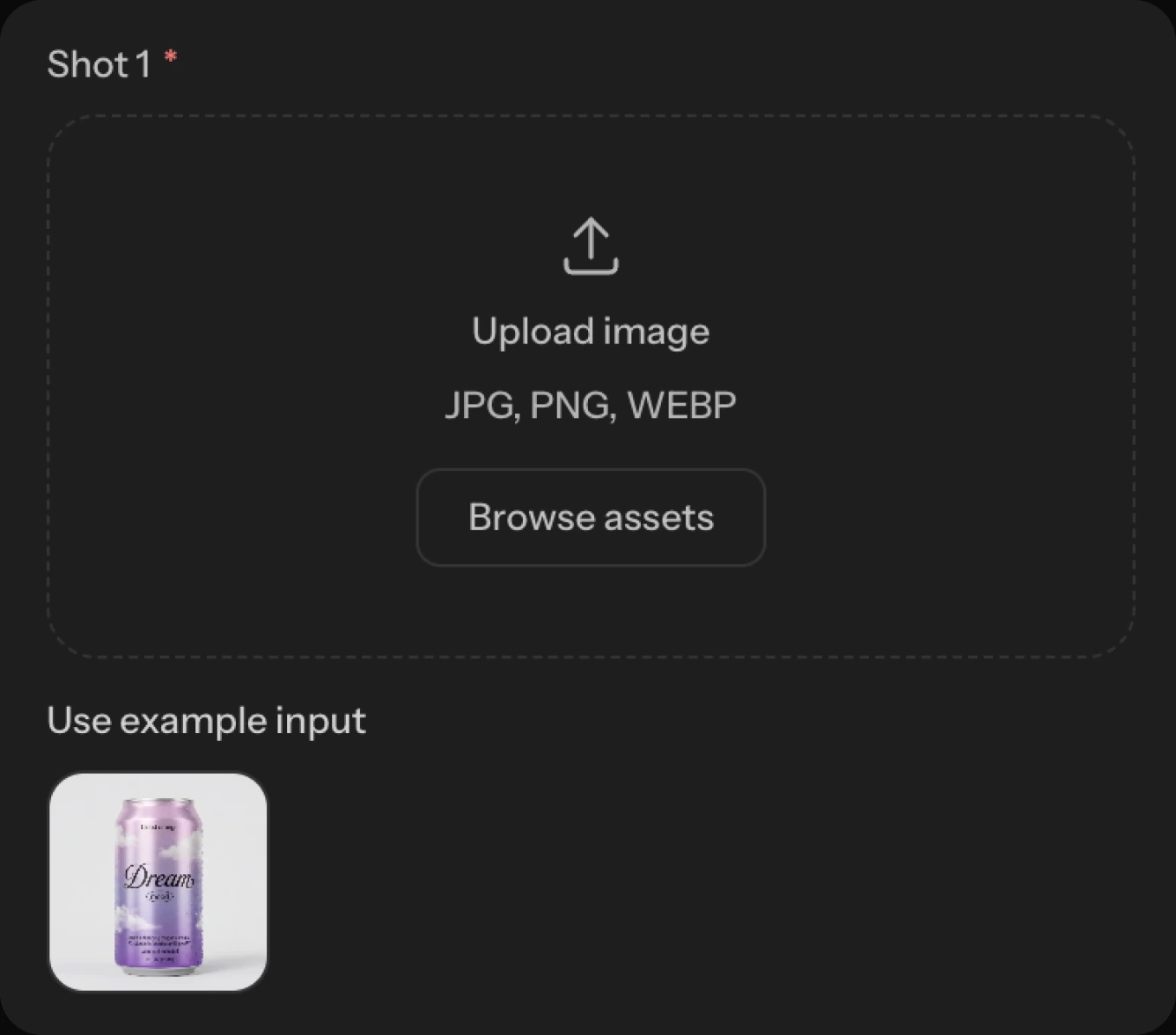
A template input asking for an image upload, with an example product shot below it

Your assets in a prebuilt workflow

Upload your own product shots, or pull them from your team library
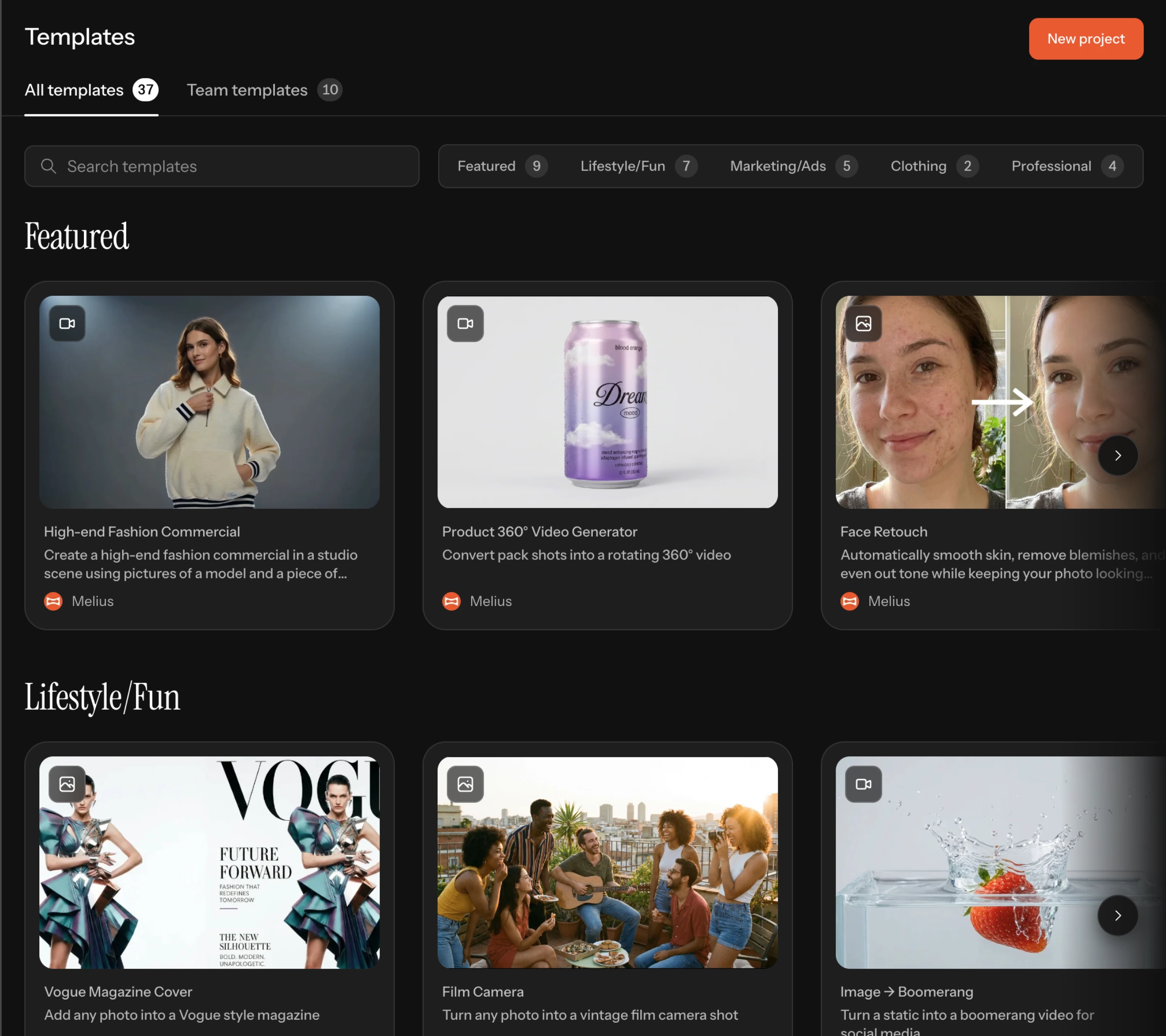
A product video template showing its three example inputs beside the video they produce

See it before you run it

Every template shows its example inputs and the output they produce
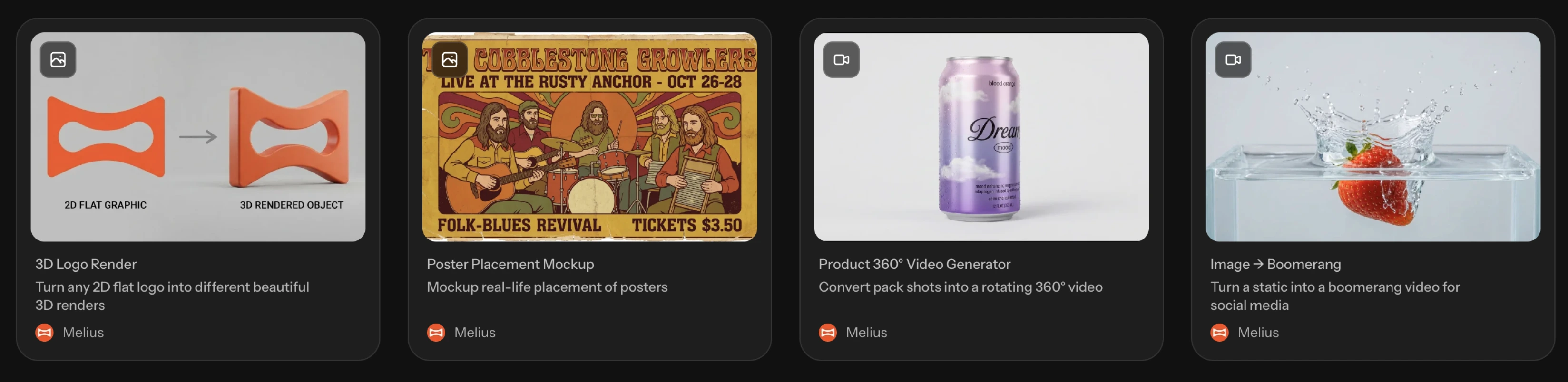
A row of template cards for a logo render, a poster mockup, a product video, and a boomerang

Built for the work you do

Marketing, lifestyle, clothing, professional — sorted by what you're making
Frequently asked questions

What is a template?
A multi-step workflow saved as a reusable block. Applying one drops it on your canvas as a single collapsed box with defined inputs, rather than a sprawl of nodes to wire yourself.
How do I make a custom template?
Select a group of nodes that works and choose Convert to template. The review dialog lets you configure which nodes are inputs and which are outputs. Your original group stays on the canvas untouched.
Who can see my templates?
Templates you publish appear under Team templates for everyone on your team. The Melius library is available to everyone.